The content in this preview is based on the last saved version of your email - any changes made to your email that have not been saved will not be shown in this preview.
Mastering Accessible Headings and Document Structure
Have you ever opened a massive document and wished you could jump straight to the information you need? If a document uses structured, accessible headings, you can!
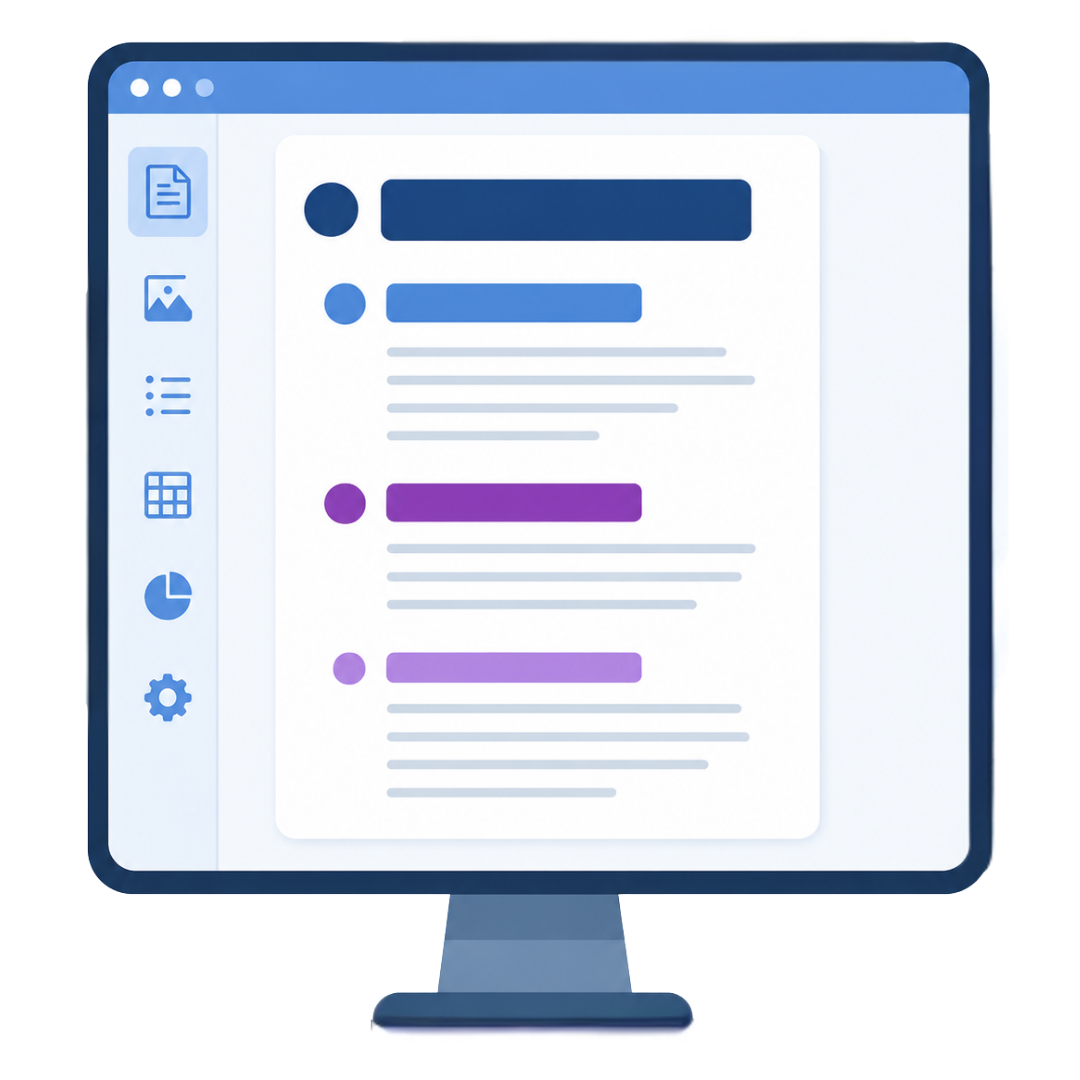
Proper headings give all readers a clear pathway to skim. Plus, screen readers use headings like a built-in Table of Contents so visually impaired users can navigate directly to key sections.
4 Rules of Document Structure
Keep headings in logical order: Follow an outline format:
Heading 1 for document titles,
Heading 2 for main sections,
Heading 3 for subtopics. Avoid skipping levels!
Use built-in list tools: Use toolbar list buttons instead of typing dashes or numbers manually so screen readers announce item counts correctly.
Set up table header rows: Ensure tables have designated header rows (and header columns for horizontal reading) so data isn't read out of context.
Use actual heading styles, not just big, bold text: Screen readers do not recognize manually bolded text as a header and will read it as regular body text.
Visual-Only: Course Overview (bold text) →Read as a standard sentence.